Your content. Edited before your coffee gets cold.

Edit videos and audio like editing text.

AI removes the bad parts. You keep the magic. Or start from a script, a link, a property's shoot or an event's clips, and Toast makes the video.

Windows 10 and 11 · 585 MB. The web editor needs no download.

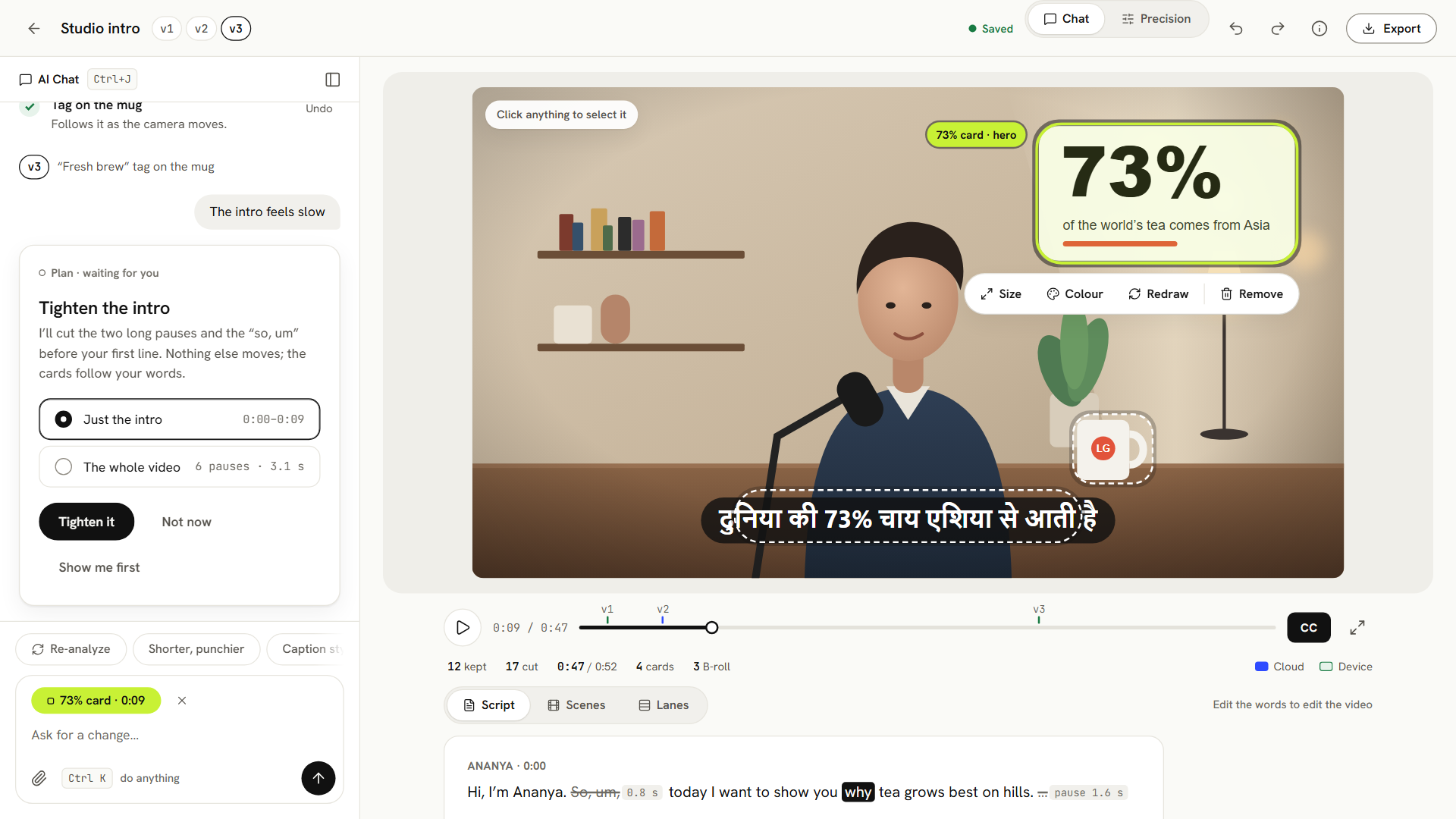
Toast's editor: ask the AI chat for a change, see the plan, and edit the video by editing its words
Made with Toast

Every video here was made with Toast.

Talking-head edits, story videos, animated videos and property videos. Each one shows what it was made from, so you can make one like it.

From a PDF0:58
A Candle, Explained · Episode 1

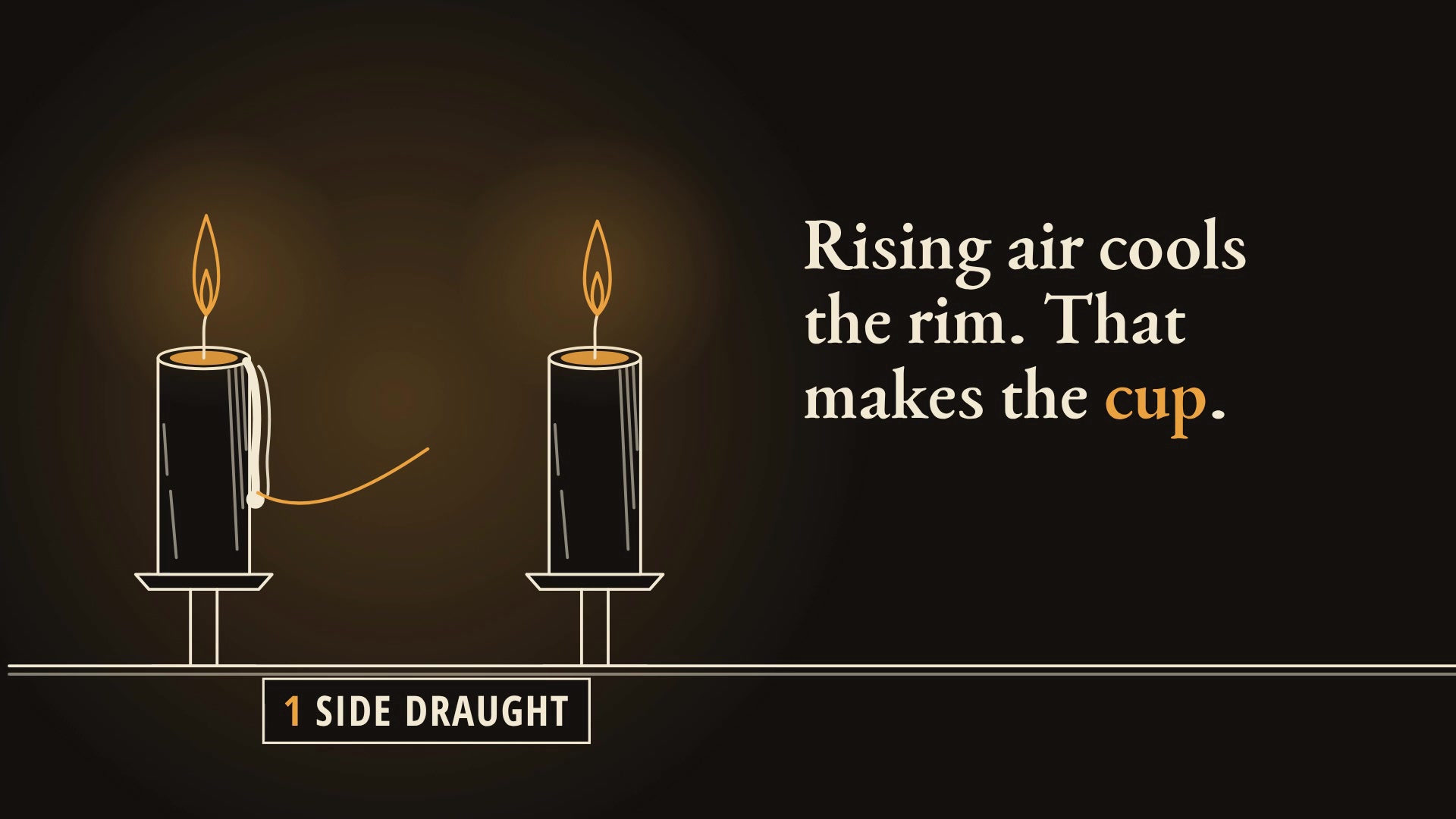
Made fromEpisode 1 of 3 of "A Candle, Explained", a series made from Michael Faraday's "The Chemical History of a Candle" (his 1860-61 Christmas lectures for young people). This episode is Lecture I: explain what it shows, faithfully, for curious teenagers. SERIES LOOK, identical in every episode: soot black background, flame amber and wax cream; a serif face for titles; the candle, its flame and Faraday's apparatus drawn as ink line drawings that move; the same opening title card "A Candle, Explained - Episode 1" and the same closing card "Next: Episode 2" (episode 3 ends "End of the series"). Show the candle and each experiment drawn, not only words.
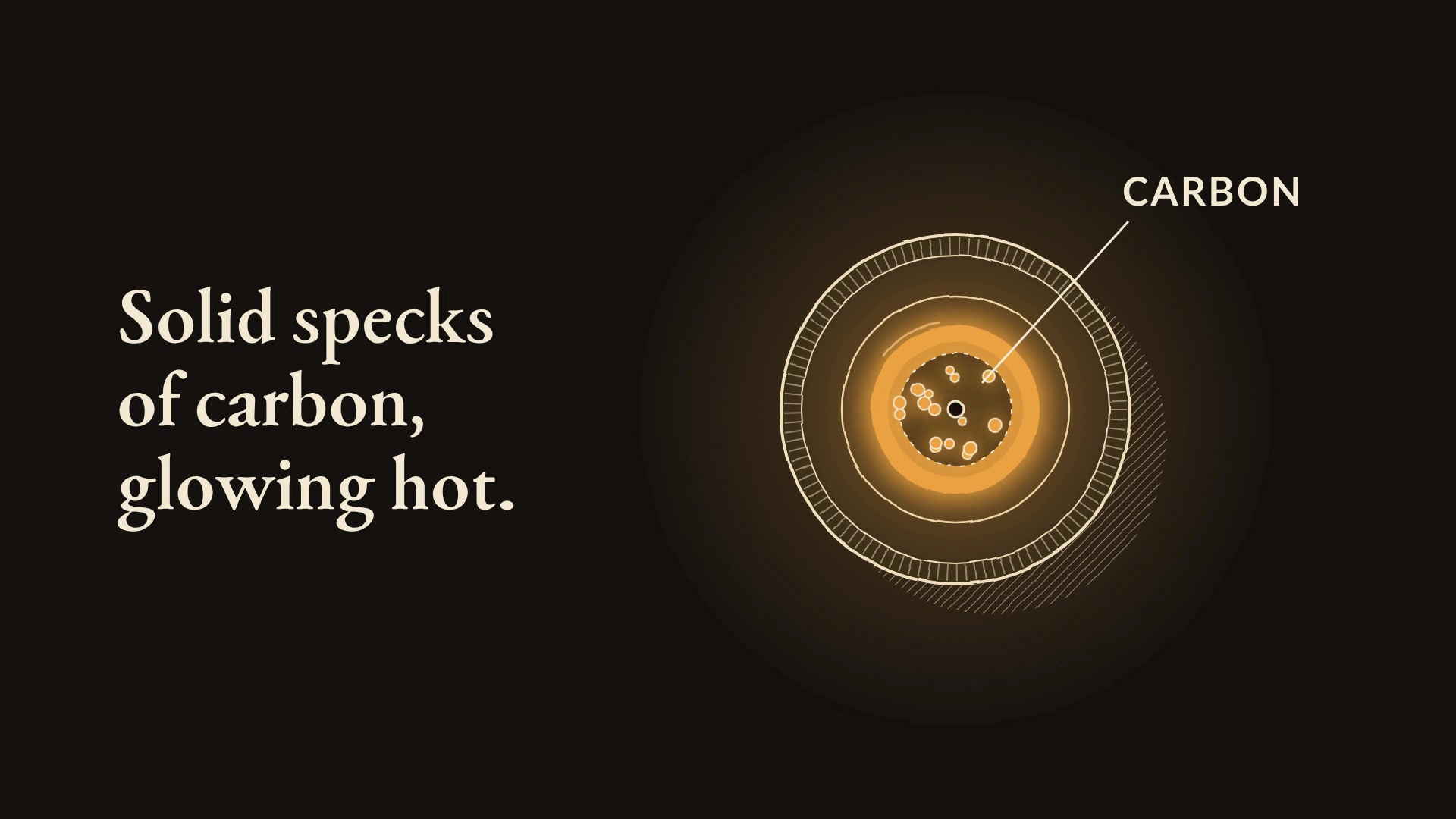
From a PDF0:57
A Candle, Explained · Episode 2

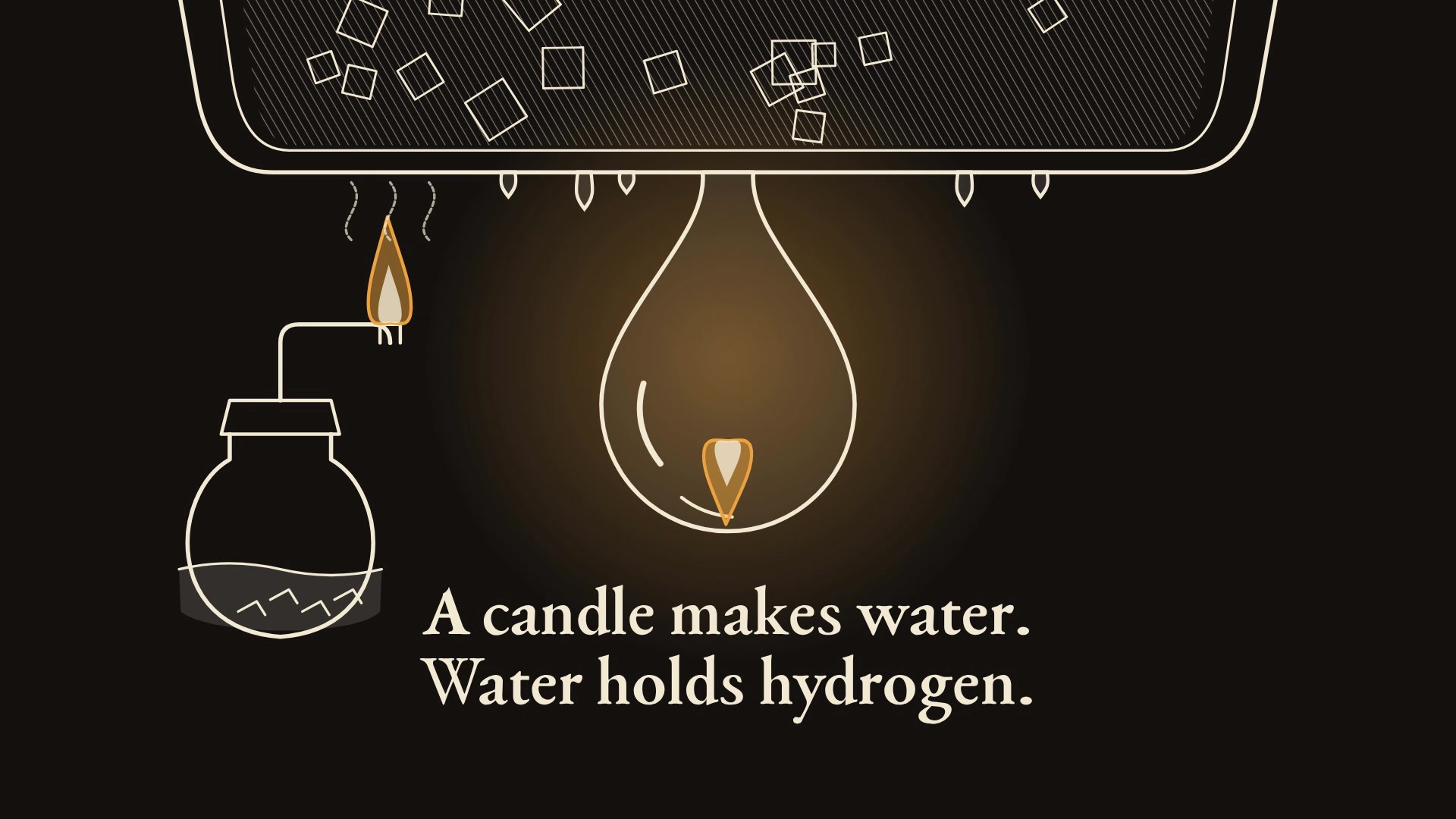
Made fromEpisode 2 of 3 of "A Candle, Explained", a series made from Michael Faraday's "The Chemical History of a Candle" (his 1860-61 Christmas lectures for young people). This episode is Lecture II: explain what it shows, faithfully, for curious teenagers. SERIES LOOK, identical in every episode: soot black background, flame amber and wax cream; a serif face for titles; the candle, its flame and Faraday's apparatus drawn as ink line drawings that move; the same opening title card "A Candle, Explained - Episode 2" and the same closing card "Next: Episode 3" (episode 3 ends "End of the series"). Show the candle and each experiment drawn, not only words.
From a PDF1:01
A Candle, Explained · Episode 3

Made fromEpisode 3 of 3 of "A Candle, Explained", a series made from Michael Faraday's "The Chemical History of a Candle" (his 1860-61 Christmas lectures for young people). This episode is Lecture III: explain what it shows, faithfully, for curious teenagers. SERIES LOOK, identical in every episode: soot black background, flame amber and wax cream; a serif face for titles; the candle, its flame and Faraday's apparatus drawn as ink line drawings that move; the same opening title card "A Candle, Explained - Episode 3" and the same closing card "Next: Episode 4" (episode 3 ends "End of the series"). Show the candle and each experiment drawn, not only words.
From an idea0:36
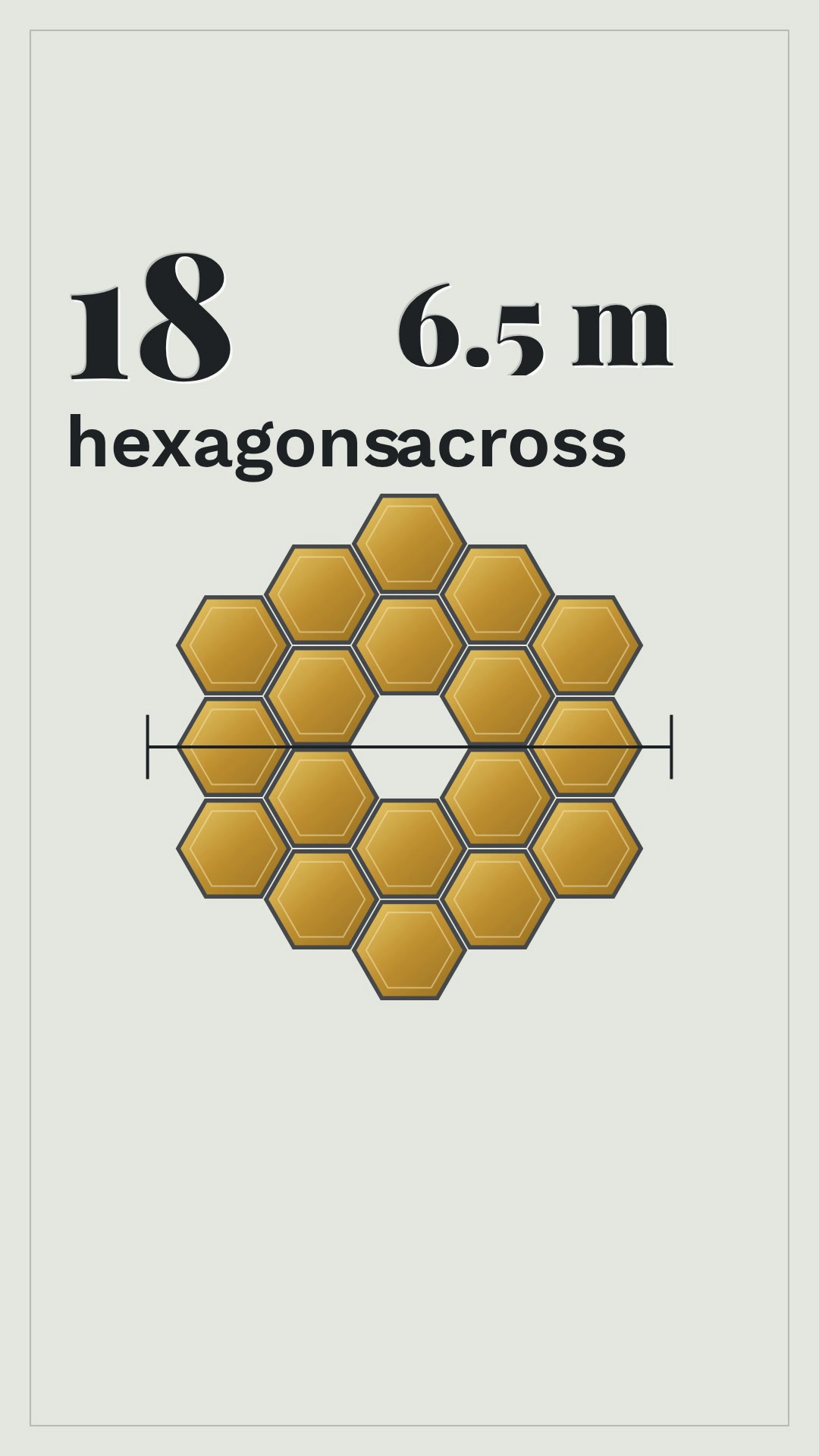
The James Webb Space Telescope in 30 seconds

Made fromA 30 second explainer of the James Webb Space Telescope for curious people, from these notes. Use the figures exactly as given.

From an idea0:26
How noise-cancelling headphones work

Made fromHow do noise-cancelling headphones cancel noise? A 30 second explainer for curious people.

From an idea0:40
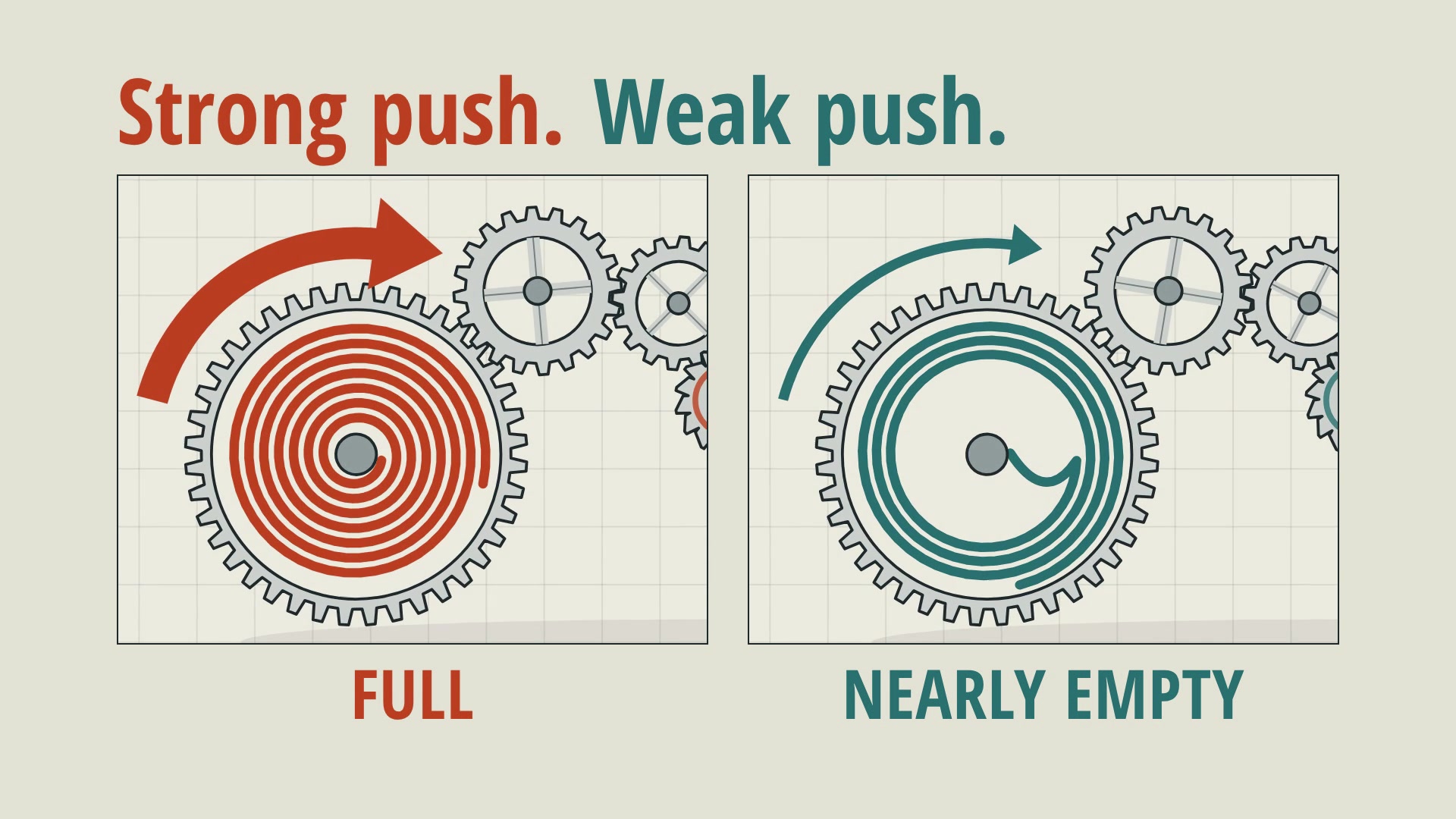
How a mechanical watch works

Made fromHow does a mechanical watch work?

From a website0:31
A launch video for Toast, from its website

Made fromA launch video for Toast, from its website.

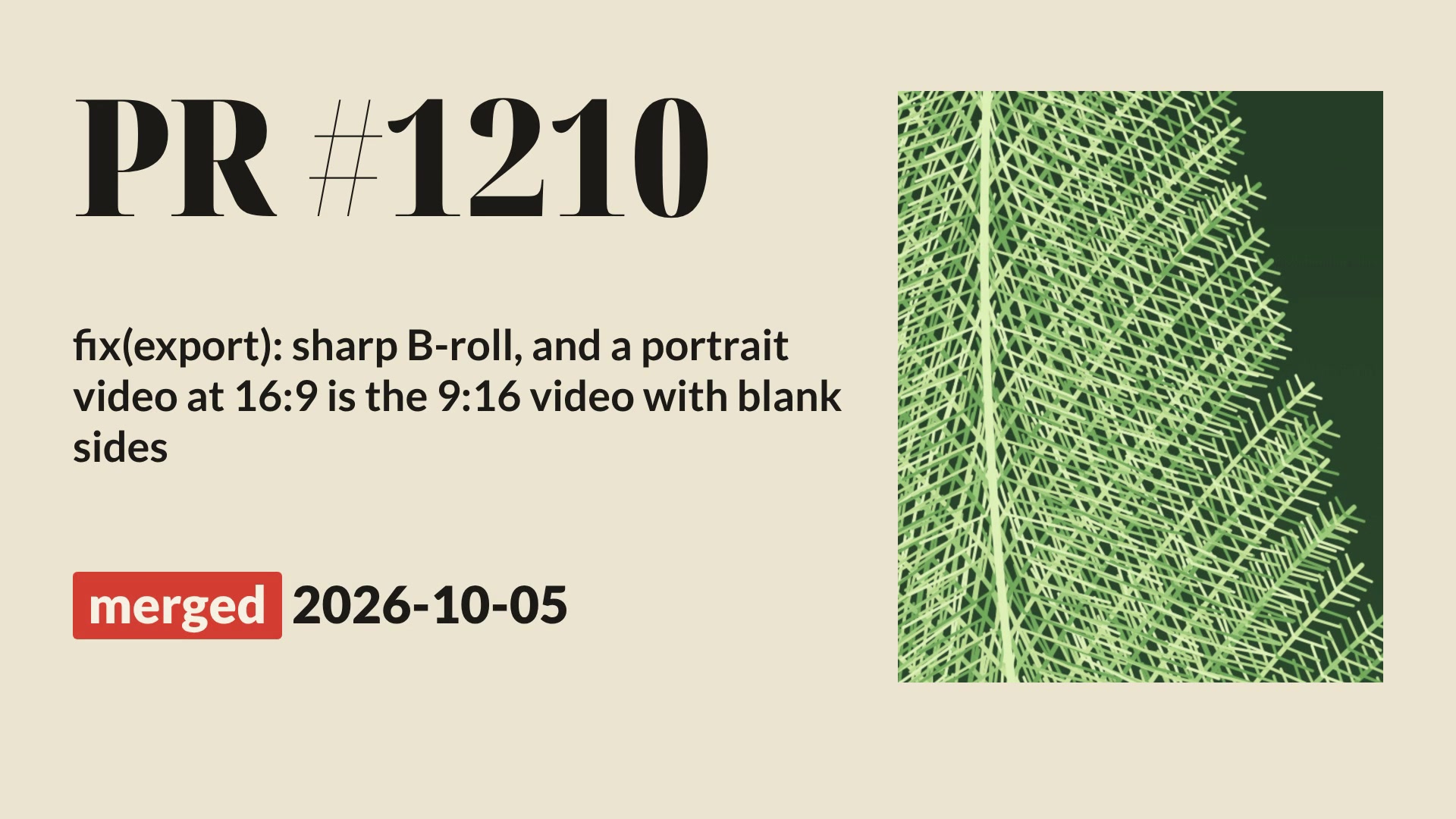
From a code change0:46
A changelog video from a code change

Made fromA changelog video for this change: what was broken, what is fixed, before and after.

One app, five kinds of video.

Bring what you have. Toast makes the video from it.

  • Talking-head videos

    Upload a video of you speaking. Toast cuts the filler words, retakes and dead air, then adds captions, B-roll, cards and music. Edit it by editing its words.

    You bring: A video or an audio recording

  • Story videos

    Upload a voiceover, or give a script or PDF. Toast writes the scenes and draws every frame in a style you pick.

    You bring: A voiceover, a script or a PDF

  • Animated videos

    Describe a topic or paste a link: a website, an article, a GitHub PR. An AI agent writes, narrates and animates it.

    You bring: An idea, a link or your notes

  • Property videos

    Give Toast a property’s whole shoot folder. It reads every room and every clip, then shows the videos it can make.

    You bring: The shoot: videos and photos

  • Event videos

    Give Toast the clips filmed at an event. It finds who spoke and the best moments, then cuts a highlight reel.

    You bring: The clips filmed at the event

Everything you need. Nothing you don't.

The editor, for videos of you speaking.

Edit by editing text

Click a word to seek. Strikethrough to cut. Your transcript is your timeline.

AI Smart Cuts

AI finds filler words, retakes, and dead air — then suggests precise cuts.

B-Roll Library

AI suggests relevant stock footage. One click to drop it on your timeline.

99 Languages

Transcribe and edit in virtually any language. Supports 12+ Indian languages including Hindi, Telugu, Tamil, and more.

From raw content to polished video in minutes.

Editing a talking-head video, step by step.

Upload

Drop your video or audio recording.

AI Analyzes

Transcription, silence removal, smart cuts, B-roll suggestions.

Refine

Edit transcript, adjust B-roll, add effects. AI chat helps.

Export

Download an MP4, wide or vertical, ready for YouTube, Shorts, Reels or TikTok.

Watch Toast edit a talking-head video.

A full walkthrough — uploading, AI editing, and exporting your first clip.

Don't see what you need? We'll build it.

Tell us what features you want or share content you love — we'll implement that editing style so your projects can look just like it, automatically.

Suggest a feature

Missing a tool, effect, or AI capability? Tell us and we'll prioritize it.

Share content you like

Drop a YouTube or TikTok link. We'll study the style and make it a template.

Windows 10 and 11

Prefer a desktop app?

Toast for Windows runs the same editor on your own machine, with your projects and plan shared with the web app. Sign in with Google — there are no API keys to configure.

v0.1.0-beta · released Aug 13, 2026

Uses your machine

Rendering runs on your own hardware instead of a browser tab.

Bundled toolchain

The video toolchain ships inside the installer — nothing else to install.

Ready to edit smarter?

Free to get started. No watermark.